Your feed found it. Carreh keeps it.
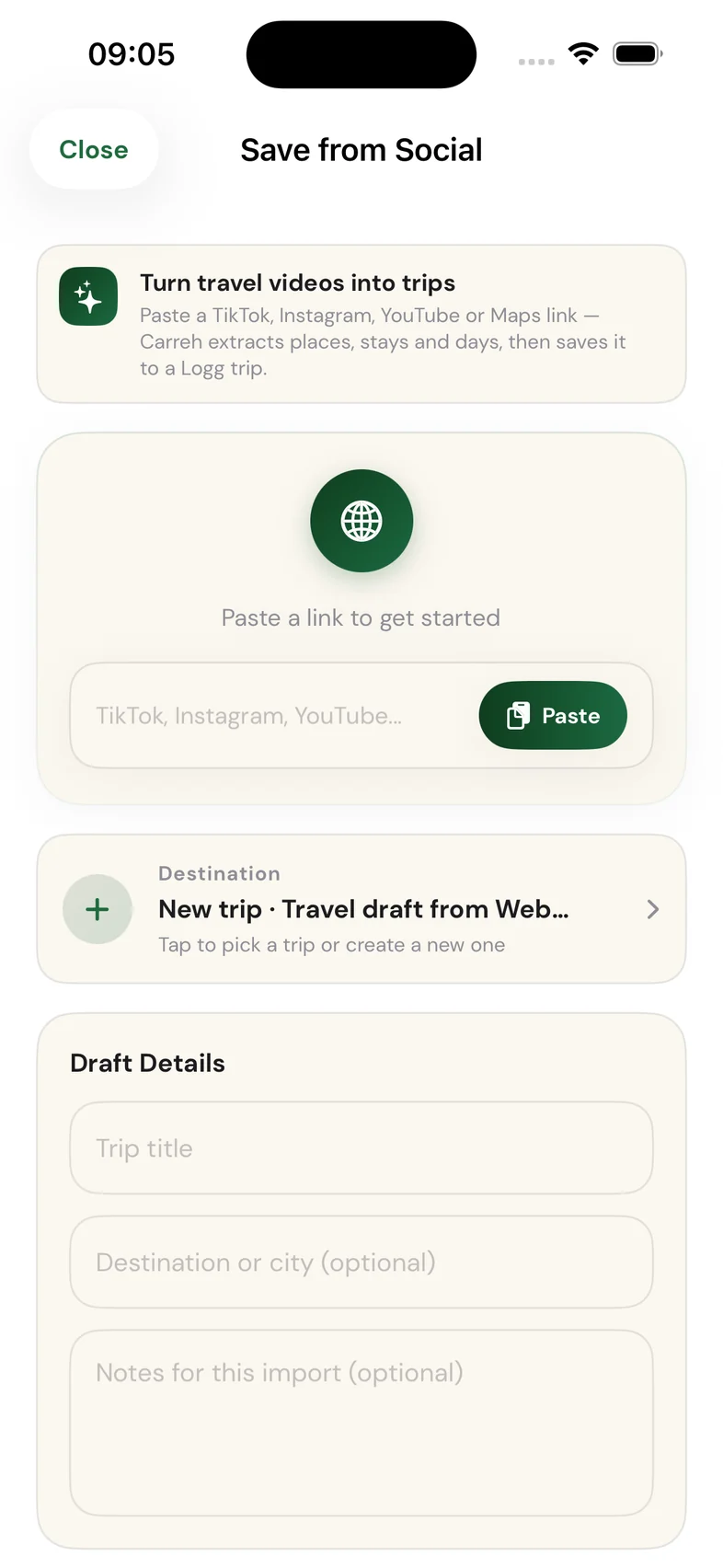
See a place in a TikTok, a Reel, a YouTube video or on a map? On iPhone, tap Share → Save to Carreh right inside the app, on any phone, paste the link. Carreh's AI reads the post, pulls out the actual places, stays and days, and saves it all into a Logg trip.


AI extraction
It reads the post so you don't rewatch it.
Carreh's AI works through the link in three beats, Detecting source → Extracting places → Building itinerary, and turns a 40-second video into a structured draft: named places with real street addresses and categories, suggested stays, day-by-day ideas and highlights.
It's honest about what it found. Every extraction says whether it's evidence-based or AI-enhanced, and a post with nothing usable gets a straight answer instead of an invented destination. Paste more than one link and Carreh folds them into a single plan.
Lisbon hidden gems
Lisbon, Portugal · from @lena.wanders on TikTok
Every draft comes with a map. Tap a pin or a card to preview where it is before you save.
Where it lands
Saved means saved in Logg.
You stay in charge of the draft, edit the title, untick anything you don't want, then choose where it goes. One tap later you're looking at it in Logg, your trip home.
New Trip
Create a new Logg trip with itinerary, places, and stays, the whole draft becomes a trip in one go.
Most popularJust the places
Save only the extracted places to a new trip, no itinerary. A clean place list you'll plan around later.
For collectorsInto a trip you have
Merge the places and itinerary into an existing Logg trip, or replace that trip's plan entirely.
Merge or replaceLisbon hidden gems
Lisbon, Portugal 🇵🇹 · saved 15 Jul 2026
And then it's a real trip
The end of the screenshot graveyard.
From here it behaves like any Logg trip: add dates and watch the countdown start, forward your bookings when you book, see it day by day, and share it with the people coming along. When you finally go, the trip feeds your Atlas, the map of everywhere you've been.
How it works
Scroll. Share. Saved.
See a place you love
A café, a viewpoint, a whole city, in a TikTok, a Reel, a YouTube video, a Maps pin or any page on the web.
Share it: or paste it
On iPhone, tap Share → Save to Carreh without leaving the app. On any phone, paste the link into Save from Social.
Preview, then Add to Logg
Check the extracted places on the map, untick what you don't want, and save it as a new trip, or into one you're already planning.
Save from Social works with links and shared text. TikTok, Instagram, YouTube, Google Maps, Apple Maps and any web link. Your first imports are free; unlimited extraction comes with Carreh AI Advisor.
Stop saving posts.
Start keeping places.
Free on iPhone & Android · See where it lands: the Logg journey →